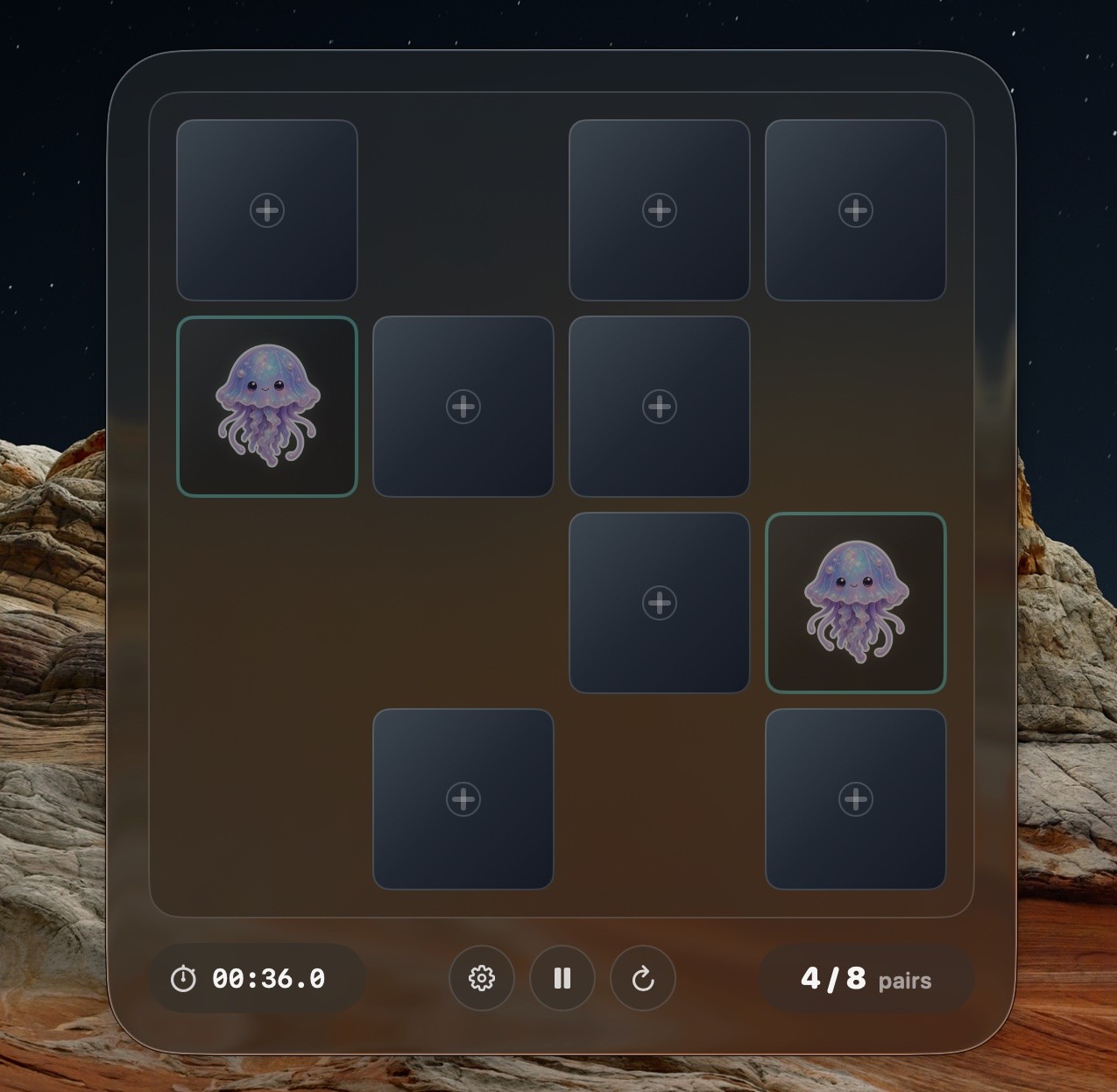
There is a specific kind of dead time in a developer's day. You push a commit, trigger a build, wait for CI. Twenty seconds to two minutes, not long enough to start deep work, too long to stare at a progress bar. PeekPairs is a memory game built for exactly that gap.
Public repository: github.com/1Pio/PeekPairs
It is a native macOS app with a dark glass aesthetic, 3D card flips, configurable board sizes, and global hotkeys that let you open a paused board or start a new round from anywhere on the system. It hides its system chrome, sits compactly at the bottom of the screen, and pauses automatically when it loses focus, so it behaves like a utility rather than a full-screen game demanding your attention.
Two goals at once
PeekPairs was built with two purposes in mind, and both matter. It is a focused exercise in applying Apple's Liquid Glass visual language in a native Swift app, pushing the design system into something tactile and dark. And it is a genuinely useful tiny game that earns its place in the dock because a two-minute memory round is a better break than another scroll through a feed.
˚˚

The architecture that made optimization possible
The most important design decision was splitting the codebase into two clean layers. A Core module owns pure game rules: board sizing, a deterministic random number generator, game engine state, round statistics, and hotkey binding models. An App module owns Mac-specific behavior: the AppDelegate, window and hotkey management, focus-loss behavior, the GameViewModel, render snapshots, image decode and caching, persistence, the global hotkey center, and SwiftUI views.
This split meant that when large boards started lagging, I could optimize rendering, image decoding, and tick behavior without touching match logic. The game rules stayed stable while the presentation layer changed underneath them.
The performance work that made it feel native
Performance on a memory game sounds trivial until you run a dense 8x8 board with glassy card faces, background imagery, and animated 3D flips. The optimization work was concrete: move figure decoding off the main thread, cache and downsample images, avoid resyncing the entire board on clock-only ticks, reduce tick cadence, run focus polling only when the window is actually visible, and skip hidden face effects for cards that are not on screen.

The result is a game that feels instant on large boards. Cards flip smoothly, the timer ticks without stuttering, and opening a paused game from a global hotkey takes you back to exactly where you were.
Release engineering as a real skill
The release pipeline treated the app as a product, not a toy. Version v0.1.4 was packaged with checksums, ad-hoc codesigning, version and build metadata verification, GitHub release asset digest matching, and an installed-app executable hash check to confirm the distribution binary matched what was running from Applications.
The git workflow was equally deliberate. A stacked branch sequence was merged into main using fast-forward to preserve every commit in order, with ancestor containment checks before any branch deletion. The release tag was created only after the archive, checksums, and installed-app verification all passed.
What I take from it
PeekPairs proved that a small app can be a serious exercise in architecture, performance, and release discipline without pretending to be something larger. It is twenty seconds of calm with real engineering underneath, and that combination is what makes it worth showing.

